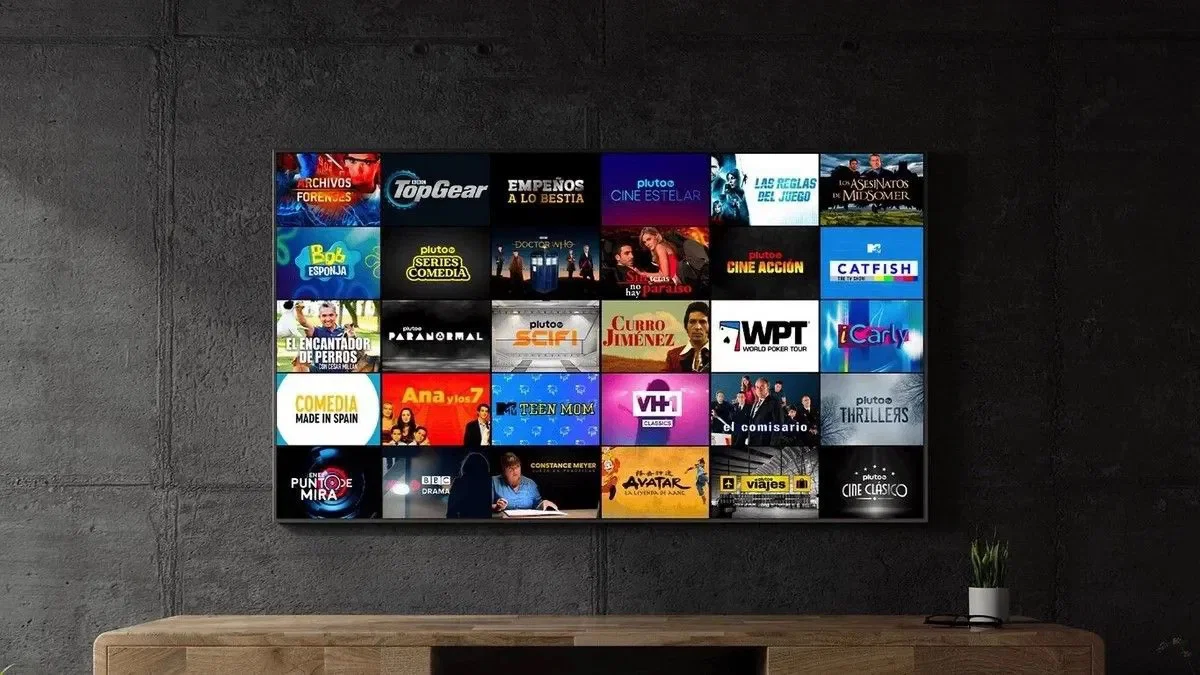


When you search for an online entertainment subscription, a Hulk TV subscription appears among the options available for multiple durations that suit both the new user and the user looking for a long-term subscription.
Najd Stream store offers packages starting from three months up to two years, in addition to a package dedicated to two devices.
In this guide, we explain the difference between these plans and how to choose the right one.
A Hulk subscription is a digital service that is operated using an app compatible with your TV, mobile, or streaming device.
After purchasing the subscription, the user gets the activation data that is entered within the app.
The product does not need physical shipping, as it is sent digitally after the order is fulfilled.
It suits the user who wants to try out the service before purchasing a long subscription.
It is also suitable for temporary use or a person who does not yet know how compatible the service is with their device and internet speed.
This plan offers a medium term and is suitable for those who don’t want to renew their subscription every three months, and don’t want to commit to a full year.
An annual subscription is a suitable option for continued use.
Instead of repurchasing multiple times during the year, the user gets a long term through a single order.
Before purchasing an annual subscription, it’s a good idea to make sure that your device and app work well with the service.
This plan is suitable for households and users who need to activate the subscription on two devices according to the terms of service.
Check that the plan allows the required operation, as using the subscription on multiple devices without choosing the correct plan may cause it to stop.
The two-year plan is the longest option among the Hulk packages offered in the store.
It is suitable for a user who has tried the service before and wants to reduce the need for frequent renewals.
It is usually not recommended for a new user to start with the longest plan before testing the service and making sure it is compatible with their needs.
The subscription can be run on compatible devices using a playback app.
Common devices include:
The installation method may vary from device to device, so it’s best to know the screen type and operating system before choosing an app.
The occurrence of a shredder does not mean that the problem is always from the subscription. It could be an internet connection, Wi-Fi, or an operating app.
Try the following steps:
Test your connection speed and make sure there are no large uploads on the network.
Restarting the router may resolve temporary issues and improve connectivity.
A wired connection is often more stable than Wi-Fi, especially when the screen is far away from the router.
If your internet speed is limited, use lower quality instead of higher resolution.
Make sure that you’re using the latest version of the startup app.
If the internet is stable and the problem persists, contact customer service and submit the device type, app name, and description of the problem.
Before completing the order:
NajdStream offers multiple options of Hulk subscriptions, starting from three months up to two years, with an annual package available for two devices.
Multiple durations help you choose the package based on your budget and the nature of your use instead of buying a term that does not suit your needs.
Choosing the right Hulk TV subscription depends on three main things: the duration of use, the number of devices, and how familiar you are with the service.
Start with a short plan if this is your first experience, and choose the annual or longer plans after making sure the service is compatible with your device.
If you need to use more than one monitor, choose the two-device plan and check the operating conditions before purchasing.
Yes, Najd Stream is offering a two-year Hulk package.
This requires choosing a two-device plan and adhering to its terms of use.
It can be run on mobile using a compatible app and activation data.
Check your internet speed, restart your router, update the app, and then contact support if the problem persists.