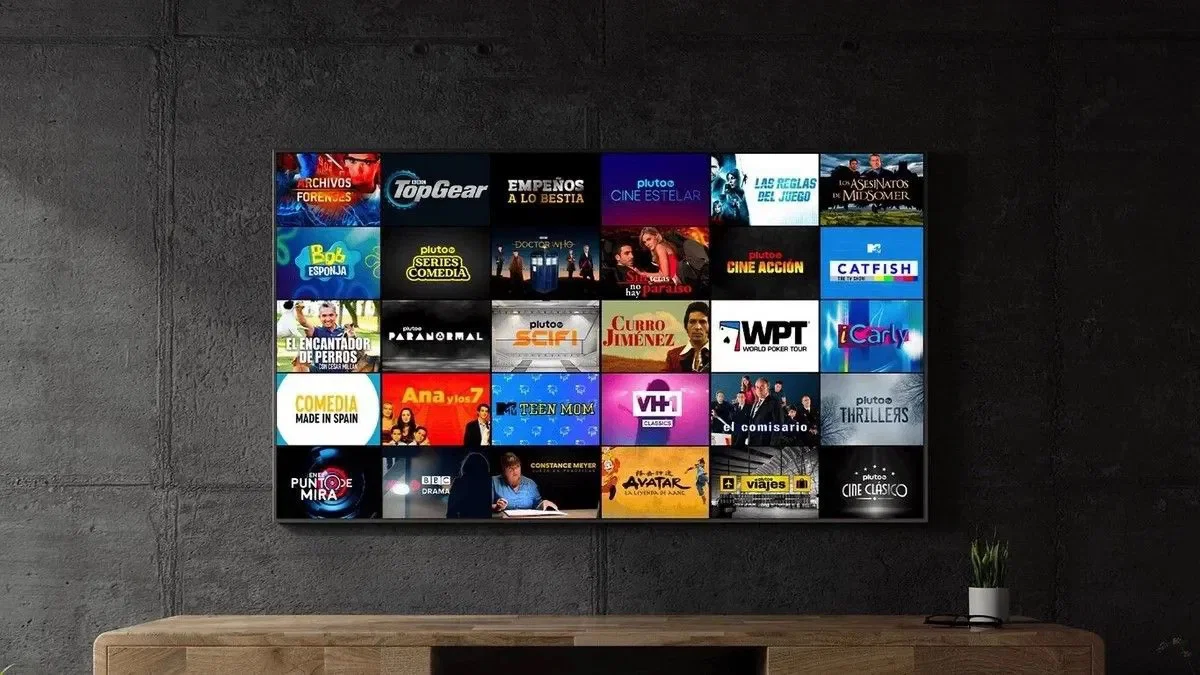


The Tiger TV subscription is one of the options that users who want to follow entertainment content and online channels are looking for using their smart TV, phone, or Android TV devices.
But before buying a Tiger subscription, it’s important to determine the appropriate duration, the number of devices you’ll be using, and how to run the subscription.
In this article, we explain the most important information that will help you choose the right Tiger TV plan.
Tiger TV is a digital viewing subscription that is powered through an app that is compatible with the user’s device.
After completing the application and receiving the activation data, the data is entered within the application, and then the sections available under the subscription can be accessed.
The experience varies based on several factors, such as:
Najd Stream store provides several options of Tiger TV subscription, allowing the user to choose the duration that is closest to their need.
This plan is suitable for the new user who wants to try the service for a limited time before moving on to a longer subscription.
It is also suitable for someone who needs to subscribe for a certain season or period and does not want to commit to an annual period.
The six-month plan provides a good balance between the duration of use and the cost.
It is suitable for those who want to use the service for a medium term, but do not want to subscribe for a full year from the beginning.
The annual subscription is suitable for the user who relies on the service continuously and wants to avoid renewing the subscription every few months.
Longer plans typically cost less monthly when compared to shorter plans.
The Tiger plan is available for one year with an additional three months, and is suitable for the user who is looking for a longer duration and better value for money.
You should always review the current price and duration on the product page, as offers may change.
This bundle is for those who need to run the service on two devices according to the terms of the bundle.
It may be suitable for a family that uses more than one TV, or for someone who wants to watch on two different devices.
Before purchasing, make sure of the simultaneous operation details and the number of devices allowed.
You can choose the right plan by answering three questions:
If you’ve never used Tiger TV before, start with a plan as short as three months. This allows you to evaluate the service, the app, and the compatibility with your device.
If you know the service and are suitable for you, an annual subscription may be more practical.
If you’re only going to use one TV, choose the single-device plan.
If you need to watch on two devices, choose the two-device plan, and don’t assume that the standard plan allows simultaneous playback.
Compare the cost of each plan after dividing the price by the number of months.
The total price of an annual subscription may be higher, but it often offers a better monthly cost than a short subscription.
The subscription can be run through a suitable app on a number of popular devices, including:
Make sure you have a compatible operating app with your device’s system before you purchase a subscription.
Even with a good subscription, viewing issues may occur due to the internet or device.
To improve the experience:
The purchase process is usually done through the following steps:
Retain order and activation data, Don’t share it with other people.
Najd Stream store provides several periods of Tiger subscription, Includes short, yearly and two-device options.
The store also provides clear means of contacting customer service to help choose the right package and app.
The Tiger TV subscription is suitable for those who are looking for multiple options in terms of duration and number of devices.
If it’s your first experience, A three-month package might be a good start. If you use the Service frequently, Compare the Annual Plan and the Year Plan with the Extra Term.
If the use is on more than one screen, Choose the Tiger Dual Device Subscription after reviewing the plan details.
It depends on your need. The short package is suitable for the experience, And the annual is suitable for continuous use.
Yes, When using a playback app that is compatible with your TV system.
Yes, Najd Stream store offers an annual package dedicated to two devices.
Check the product description before buying, Because the app may be separate in some subscriptions.